The short version
- Close-up photos make everything look bigger. That's useful for detail and terrible for size.
- Show the product next to something everyone owns and knows the size of.
- If you sell sizes, show them all side by side in one photo.
- Write the size in centimetres and inches, then compare it to something familiar.
- Treat "smaller than expected" reviews as a photo problem, not a customer problem.
If you want to show product size in photos, it helps to start with a slightly uncomfortable truth. Your best photos might be the ones causing the problem.
Think about the shots you're proudest of. The close-up of the brushstrokes.
The detail of the texture. The product filling the frame, crisp and beautiful.
Every one of those makes the product look bigger than it is.
That's not dishonest. It's just how close-ups work.
But when a customer only sees close-ups, their brain fills in the size, and it usually guesses big. Then the parcel arrives, they open it, and the first thing they think is "Oh. It's smaller than I thought."
That moment is a quiet disappointment, even if the product is lovely. Sometimes it becomes a return. Sometimes it becomes a review.
This article shows you how to stop it happening, using photos and a few lines of text. It works whether you sell earrings, art prints, ceramics or furniture.
Why close-ups make everything look bigger
When a photo fills the frame with a product, there's nothing else in the picture to compare it with. Your brain has no ruler.
So it guesses.
And because the product looks detailed and important, it tends to guess big. A tiny pendant shot up close can look like it's the size of a hand. A small print shot straight on can look like it would fill a wall.
On a product page, your customer looks at several photos in a row. If all of them are close-ups, they never get a clear sense of scale.
They might read the dimensions, if you've written them. But numbers are harder to picture than images, and many people skip them.
The fix isn't to stop taking close-ups. They're how people see quality. The fix is to make sure at least one photo shows scale clearly.
Meet Tinderbox Prints, and the A5 print that people thought was A3
This is an illustrative example.
Tinderbox Prints is an illustration studio run by Darragh. He sells art prints of Irish coastal birds in three sizes: A5, A4 and A3.
His most popular print, a puffin, was photographed on its own against a white wall. It looked great. It also caused a steady trickle of messages.
"I ordered the small one and didn't realise it would be so small."
"Is there a bigger version? I thought this was the big one."
The same photo was being used for all three sizes. Nothing in it showed how big any of them were. People who chose A5 because it was cheapest were picturing something closer to A3.
Darragh fixed it with three photos and two lines of text. Let's go through them.
Choose a scale object that everyone already knows
The classic way to show size is to put the product next to something familiar. But which object you choose matters more than people think.
The object has to be one your customers actually own
A coin is a common choice. But coins vary from country to country, and lots of people rarely handle them now. A banana is popular online, partly as a joke, but bananas vary in size.
Better choices are objects that are very standard in size and that nearly everyone touches daily:
- A hand (yours or someone else's)
- A standard phone
- A bank card
- A paperback book
- A standard sheet of paper
- A kitchen chair or a sofa, for bigger items
- A typical door, for very large items
The object should make sense with the product
Put the product with something it would naturally be near. Earrings on an ear or next to a hand.
A print on a wall above a chair or a light switch. A plant pot on a windowsill. A cushion on a sofa.
When the scale object is part of a believable scene, the customer understands the size without even thinking about it.
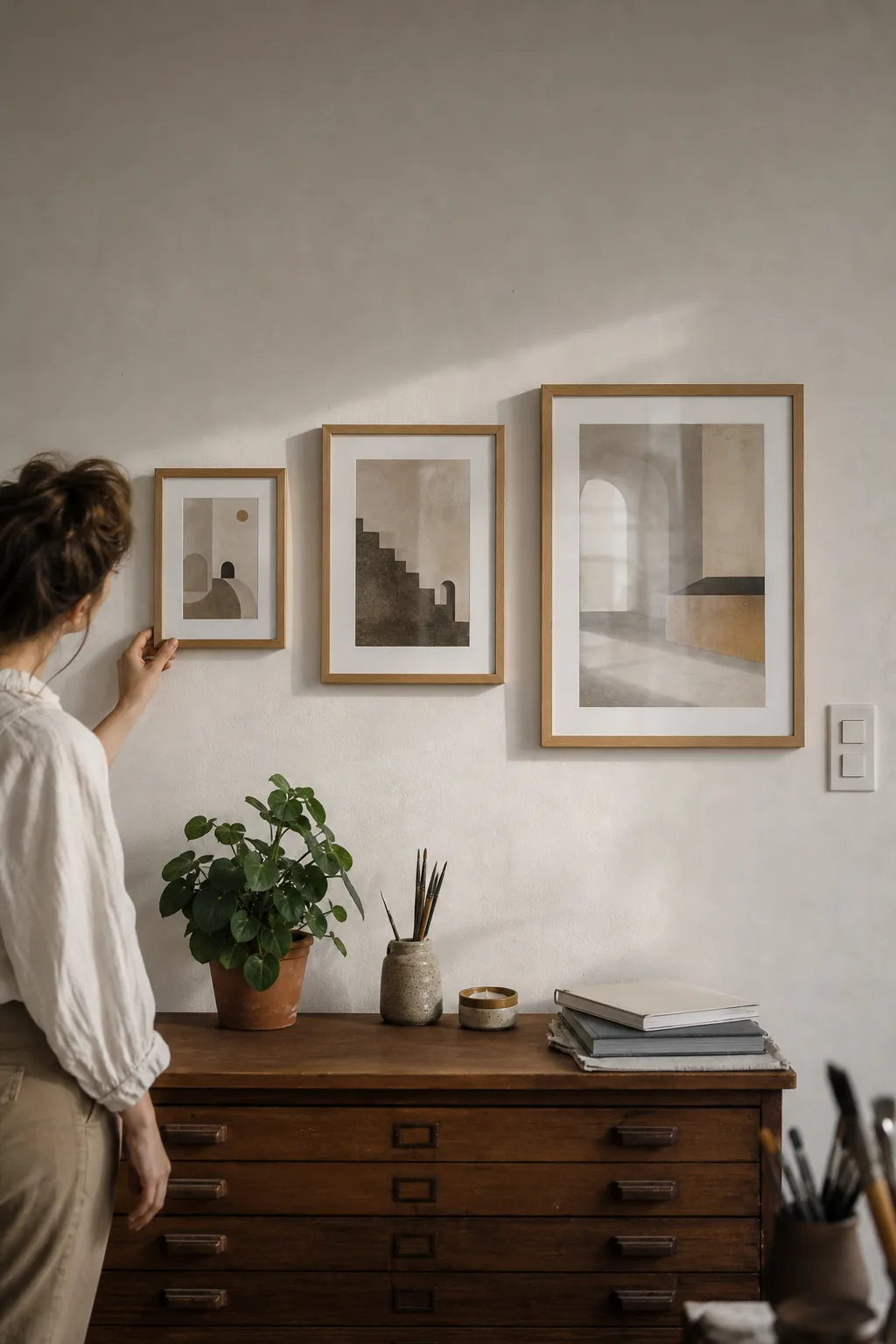
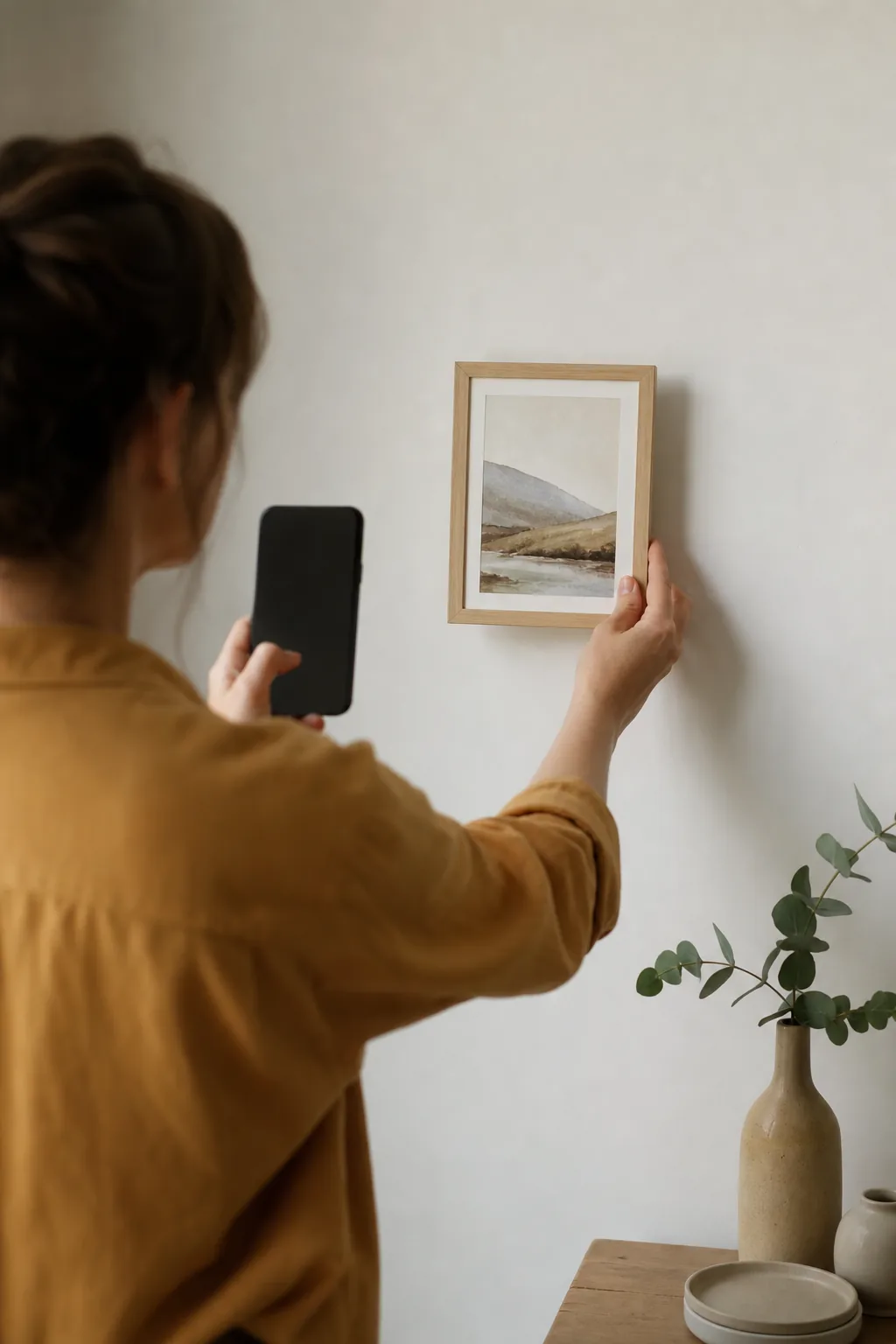
Darragh photographed each print size on a wall, above the same small sideboard, with a light switch visible. Everyone knows roughly how big a light switch is. Suddenly the A5 looked like what it was: a small, lovely print, perfect for a shelf or a gallery wall.
The size line-up photo: one image that answers the whole question
If you sell the same product in different sizes, this is the most useful photo you can take.
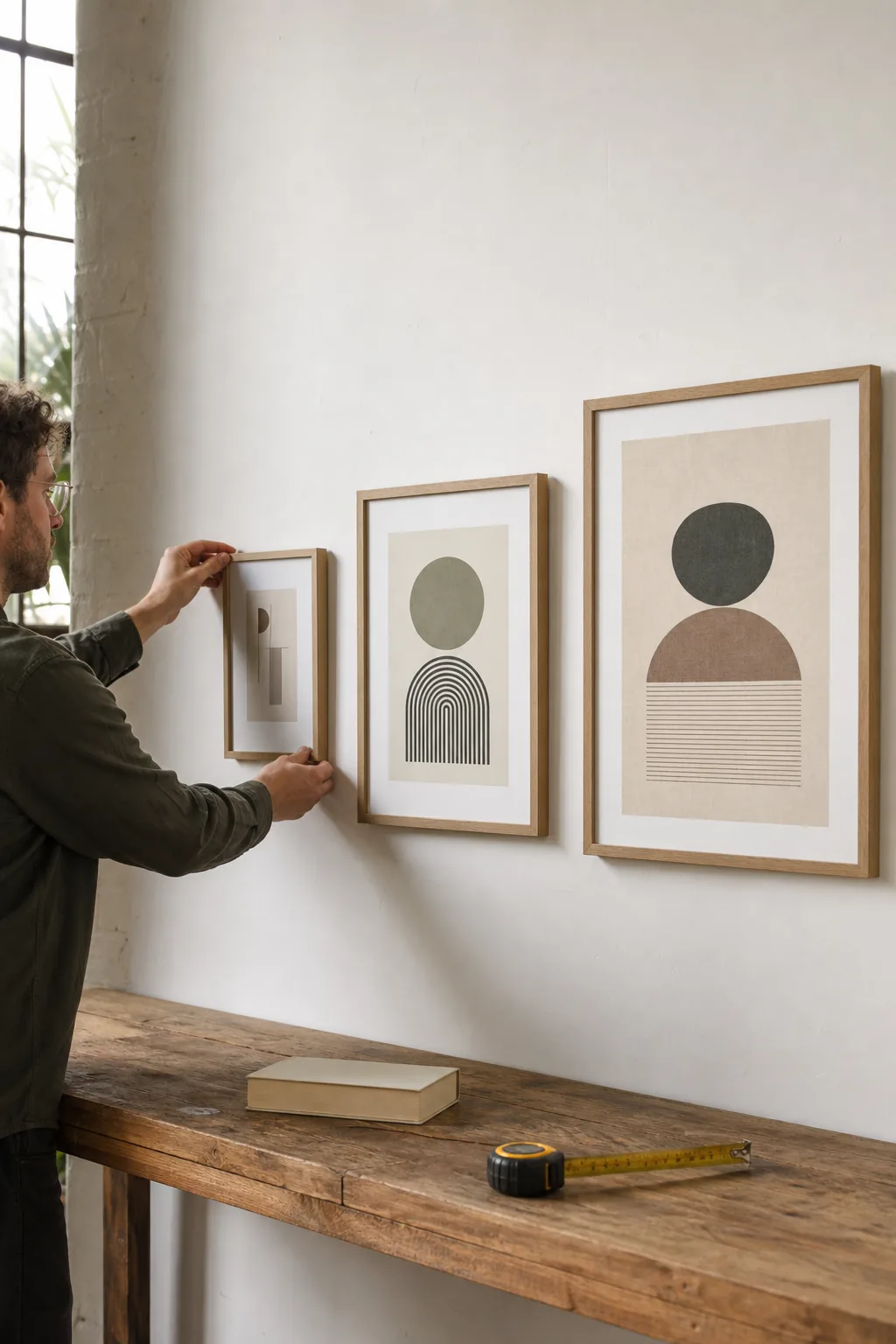
Put all the sizes together, side by side, in one photo. Same angle, same light, same distance.
That's it. It's almost embarrassingly simple, and it removes a huge amount of confusion. Customers can see the difference immediately, without doing any maths in their heads.
Darragh's line-up shows the A5, A4 and A3 puffin prints leaning against the wall in a row, small to large. He uses that same photo on all three product pages, usually as the second image.
The messages about "too small" almost stopped.
Label the line-up clearly
If the sizes look a bit similar, add simple labels. A small card in front of each one saying "A5", "A4", "A3", or the size in centimetres, is enough. You can also add labels when you edit the photo, as long as they're easy to read on a phone.
Hands are the best ruler you have
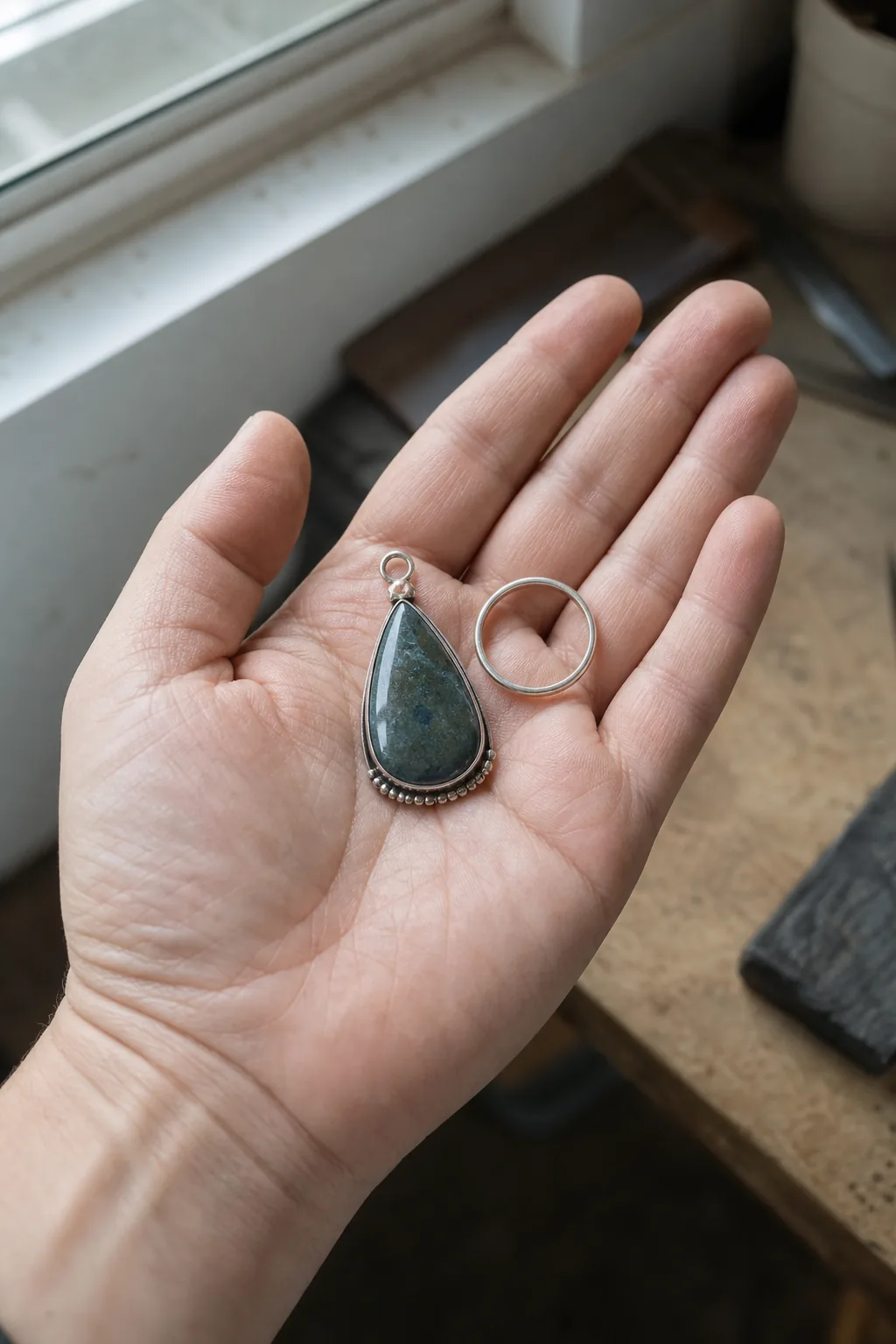
For small products, a hand is hard to beat.
Everyone has a sense of how big a hand is. A photo of a ring on a finger, a pendant lying in a palm, or a small dish held between thumb and finger tells you the size instantly.
A few tips for hand shots:
- Keep the hand relaxed and natural. A stiff, clawed hand looks odd and distracts from the product.
- Use a hand that's roughly average in size. A very large or very small hand can mislead.
- Keep nails tidy and neutral, so they don't steal attention.
- Make sure the product is still sharp and well lit. The hand is there for scale, not as the star.
For wearable items, show them being worn. A necklace on a neck shows not just how big the pendant is, but where it sits. That second piece of information often matters more to buyers than the size itself.
Write sizes that people can actually picture
Photos do most of the work, but the text matters too. And the way most shops write dimensions isn't much help.
"21 x 14.8 cm" is accurate. But how many people can picture 14.8 cm?
Add a comparison that turns numbers into something familiar.
| Just the numbers | Numbers plus a comparison |
|---|---|
| 21 x 14.8 cm | 21 x 14.8 cm (8.3 x 5.8 in), about the size of a paperback book |
| 29.7 x 21 cm | 29.7 x 21 cm (11.7 x 8.3 in), the size of a standard sheet of printer paper |
| 42 x 29.7 cm | 42 x 29.7 cm (16.5 x 11.7 in), roughly two sheets of printer paper side by side |
| Pendant 1.5 cm | 1.5 cm across, about the width of a fingernail |
Notice the inches as well as centimetres. If you sell to customers in different countries, giving both saves them from having to look it up, and saves you from "Is that inches?" messages.
Put the size where people will see it
Don't hide the size in a "details" tab that most people never open. Put a short line near the top of the description, or right next to the size options. People need it while they're choosing, not afterwards.
The mistakes that make size harder to judge
A few common habits quietly make size confusing.
Using the same photo for every size
As Darragh found, one photo across three sizes tells customers nothing about the differences. At the very least, include the line-up photo on every size's page.
Using a scale object that's unusual
A tiny vintage teacup next to your pot might look charming, but if it's smaller than a normal cup, it makes your pot look bigger than it is. Choose standard, everyday objects.
Staging that tricks the eye
Interior photos that use very small furniture, or wide-angle phone lenses up close, can make rooms and products look bigger than they are. If you show products in a room, stand back and use your phone's normal lens rather than the ultra-wide one.
Mock-ups that don't match reality
Digital mock-ups, where your art is placed into a stock photo of a room, can be useful. But they can also be wildly out of scale.
A print shown as large as a window in a mock-up will disappoint when it arrives at A4. If you use mock-ups, check that the size in the picture matches the real size, or use a real photo instead.
What "smaller than expected" reviews are really telling you
If you get reviews or messages that say "smaller than expected", it's tempting to think the customer didn't read the description.
Maybe they didn't. But that's not really the point.
Most people don't read every word. They look at the photos, glance at the price, and decide. If the photos don't show the size clearly, that's where the misunderstanding happened.
So treat "smaller than expected" as a signal about your photos. Look at the product page through the customer's eyes.
Is there a photo that shows the size clearly? Is it early in the gallery, or buried at the end? Is the size written in a way people can picture?
Darragh started keeping a simple note of every size-related message. When the messages about one product kept coming, he knew that product's photos needed another look.
The opposite problem: bigger than expected
It happens less, but it does happen. Someone orders a cushion thinking it's small and it turns out to be huge. Or a bowl that was meant for a single serving arrives big enough for a salad.
It's the same fix: a clear scale photo and a comparison in the text.
Show size in a ten-second video
If your shop lets you add a short video, it's one of the quickest ways to show size, and it's very hard to misread.
A video of someone picking the product up, turning it in their hands and putting it down again shows size from every angle at once. People watch the hand, the fingers and the way the product moves, and their brain does the rest.
You don't need anything fancy. A phone, steady hands and window light is plenty. Ten seconds is often enough.
Darragh made one for each print size: a hand sliding the print out of its cardboard backing and holding it up against the wall. No music, no voice, no editing. It became one of the most watched things on his product pages.
When volume matters more than length
Some products aren't really about height and width. They're about what fits inside.
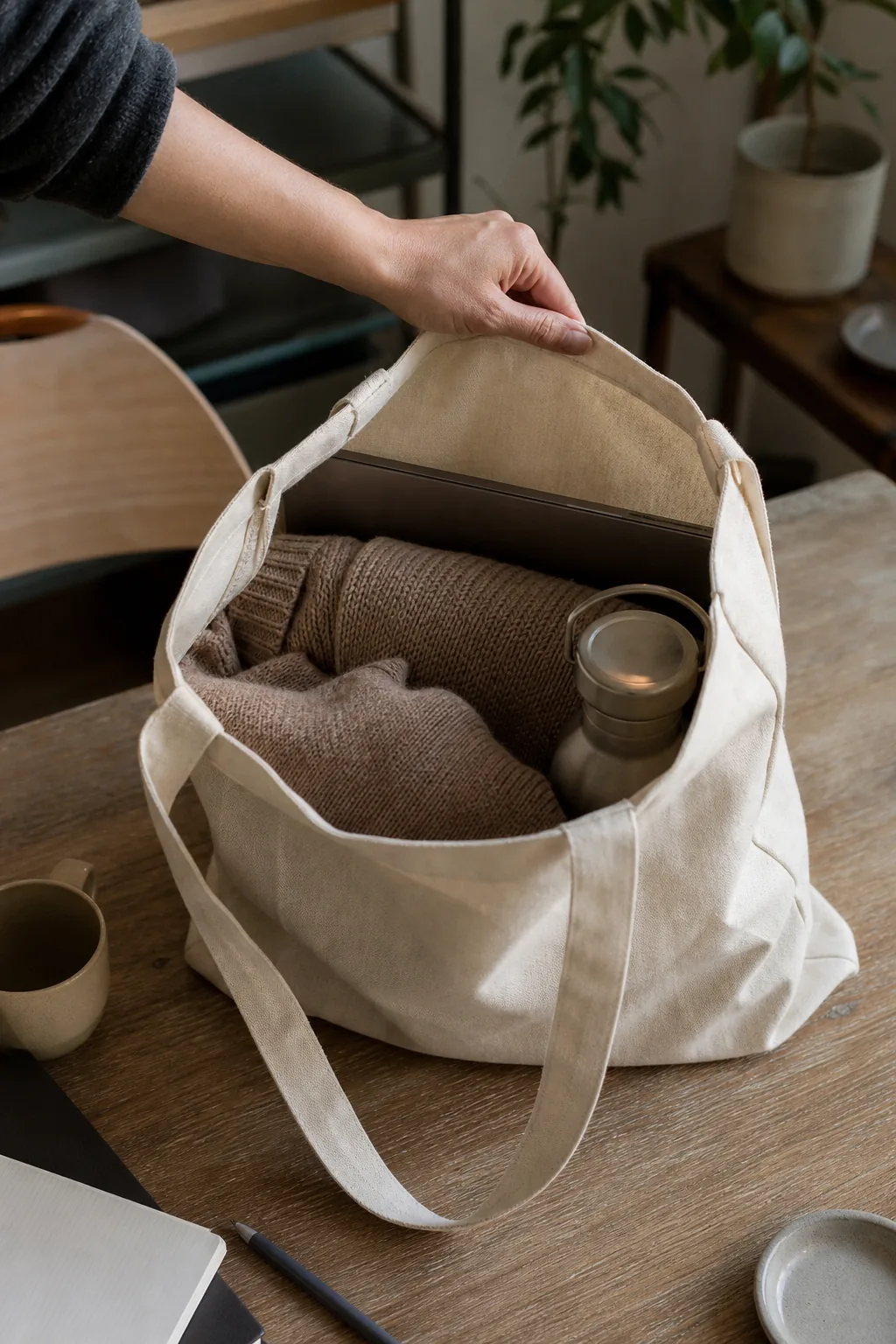
A bag is a good example. "32 x 24 x 10 cm" is accurate, but what people really want to know is "Will my laptop fit? Will my water bottle fit?"
The same goes for bowls, baskets, boxes, pouches and storage of any kind.
For these products, show the product with typical things inside it.
- A tote bag with a laptop, a jumper and a water bottle peeking out.
- A bowl with a single portion of salad or soup.
- A storage basket with folded towels in it.
- A pencil case with a handful of pens and a ruler.
Then write it in the text too: "Fits a 13-inch laptop, a water bottle and a jumper."
This kind of photo answers the real question behind the size question. It also helps people imagine the product in their own life, which is often what tips them into buying.
Ask a few customers what surprised them
Here's a quick way to find out whether your photos are showing size clearly enough.
Next time you send a few orders, include a short note or email to a handful of customers. Ask one question: "Was anything about the product different from what you expected?"
You'll get honest, specific answers. Often they'll mention size first, if it was a surprise. Sometimes they'll mention weight, thickness or colour instead, which is useful to know too.
Darragh asked ten customers. Three mentioned that the A4 print looked bigger than they'd expected, in a good way. That gave him a line for the description: "Many people tell us the A4 looks larger in person than they'd imagined."
That's the best kind of size information: real reactions from real buyers.
Where to put your scale photo in the gallery
Order matters. Many people only look at the first two or three photos.
A good order for most products:
- The main photo, showing the product clearly and beautifully.
- A scale photo: in a hand, on a wall, on a table, being worn.
- Detail close-ups.
- The size line-up, if you sell multiple sizes.
- Anything else, like packaging or a back view.
Putting the scale photo second means most people see it before they decide. Leaving it until photo seven means many will miss it.
Don't forget weight and thickness
Size isn't only height and width. Some of the biggest "not what I expected" moments come from weight and thickness.
A ceramic bowl that's much heavier than it looks. A pendant that's thinner than the photo suggests.
A cushion that's flatter once it's out of the box. A print on thin paper when the buyer pictured thick card.
Photos struggle to show these things, so the text has to help. A short line does it: "Weighs about 400 g, so it feels solid in the hand" or "Printed on thick 300 gsm card that won't curl."
If your product is unusually light, heavy, thin or thick for its type, say so. Darragh added the paper weight to every print listing after one buyer said the A3 felt "more like a poster than a print". He never had that comment again.
Your show-the-size checklist
Before you publish or update a product page:
- At least one photo shows the product next to something familiar.
- The scale object is standard and everyday: a hand, a phone, a book, a light switch.
- If I sell different sizes, there's a line-up photo with all of them together.
- The size is written in centimetres and inches.
- The size includes a comparison people can picture.
- The size appears near the top of the description or next to the size options.
- The scale photo is in the first two or three images.
- Any mock-ups match the real size.
The photo that saves you from your best photos
You don't need to stop taking beautiful close-ups. Keep them. They show the care and detail in your work, and they're often what makes someone fall in love with a product.
Just add one more photo that answers the simple question every buyer has: "How big is it, really?"
Show it in a hand, on a wall or beside something everyone knows. Line up your sizes.
Write the dimensions in a way people can picture. Then, when the parcel arrives, the first thought will be "That's exactly what I expected", and that's the moment that turns a buyer into a regular.
Keep going
Content Creation / Practical guide
Five Product Photos to Take Before Launch: One Shot for Each Question a Buyer Would Ask You in Person
A buyer can't pick your product up, open it or hold it against something they own. Five planned photos can do that for them: a clean view, a size view, a detail view, an in-use view and a contents view. Here's how to plan each one, including what to do when the in-use shot shows things you don't sell.
Content Creation / Practical guide
Product photos with window light: the free studio you already own
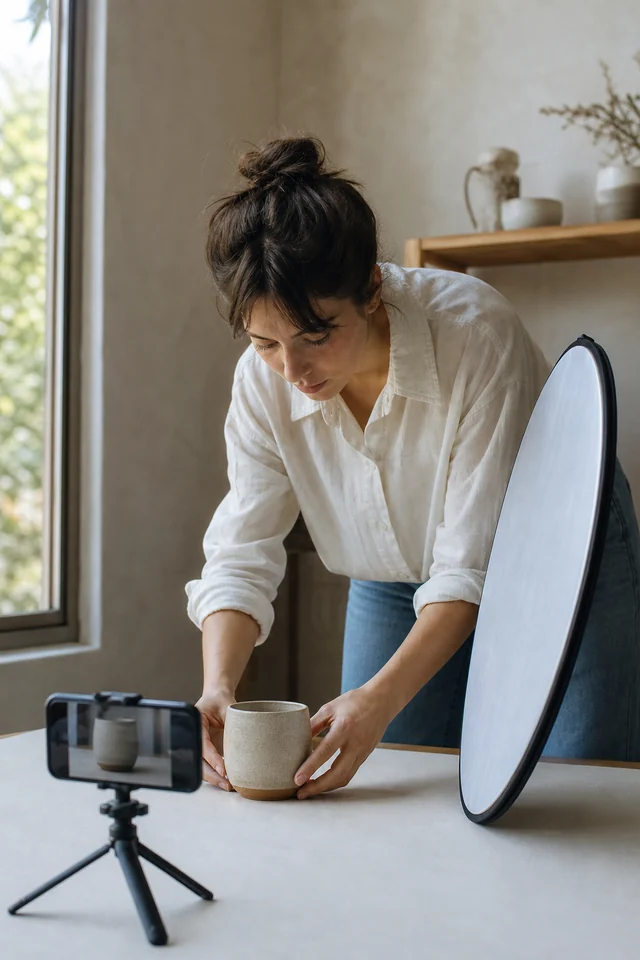
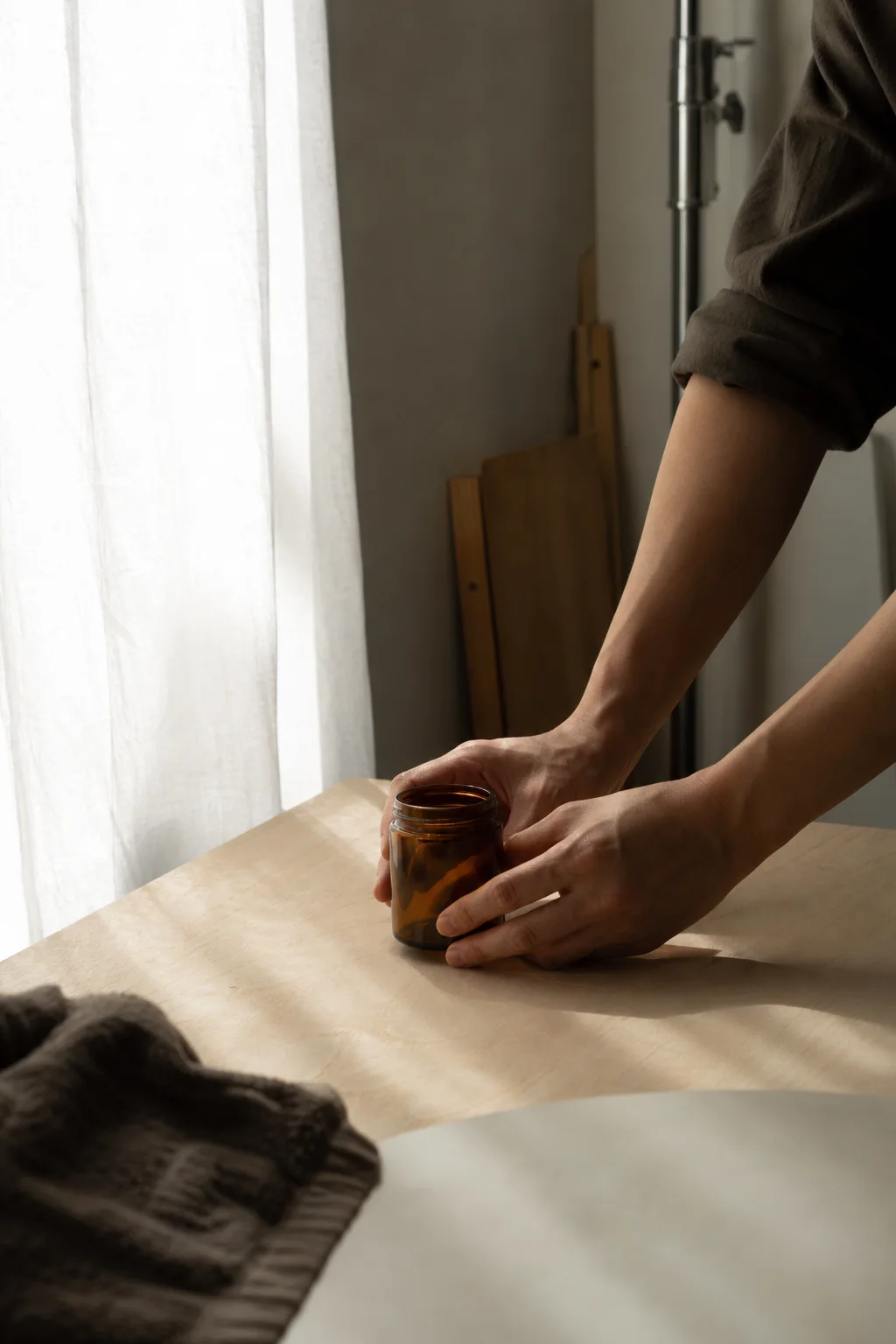
You don't need lights, a lightbox or a studio. You need one window, a sheet of white card and an understanding of which way the light is travelling.
Content Creation / Practical guide
Change a Product Photo Background Safely: Swap the Setting Without Smoothing, Recolouring or Reinventing the Product
Background tools, especially AI ones, are quick and impressive, and they can quietly smooth a texture, brighten a stone or rewrite an engraving. Decide what must stay and what may change before you edit, compare every result against the original in a fixed order, and reject any edit that changes what you're selling.